Combat · WoW: Forever
Deno Dots
Small icons with timers for your damage-over-time effects on the target and for your own buffs, a red mark on the ones that are missing, and pet health and mana bars. The list is edited in game.
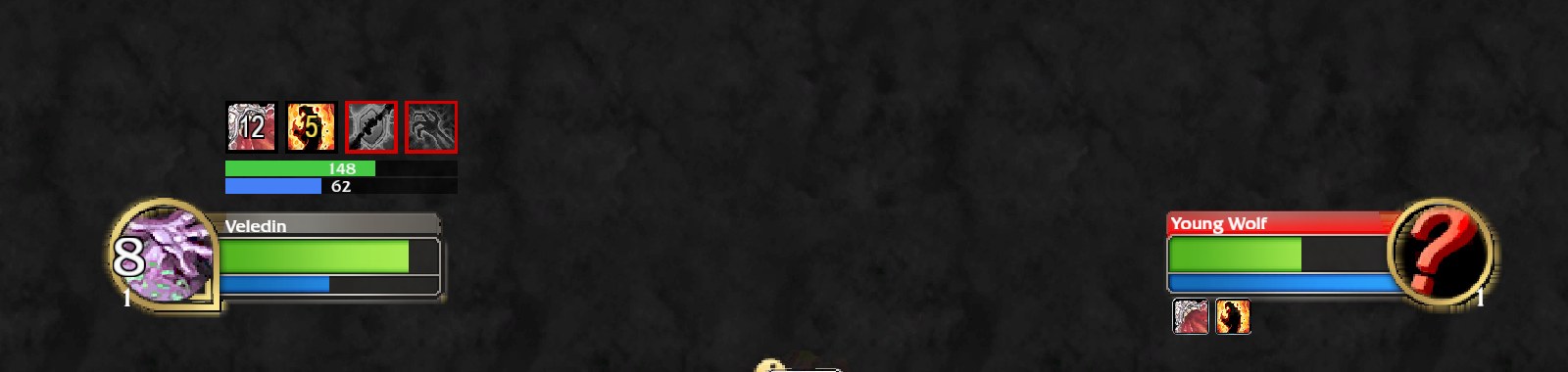
A small row of icons above your player frame for the things you have to keep up: your damage-over-time effects on the target and your own buffs. Written from scratch for World of Warcraft: Forever and its addon rules.
What it does
Up
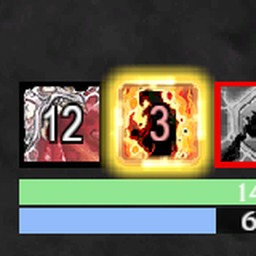
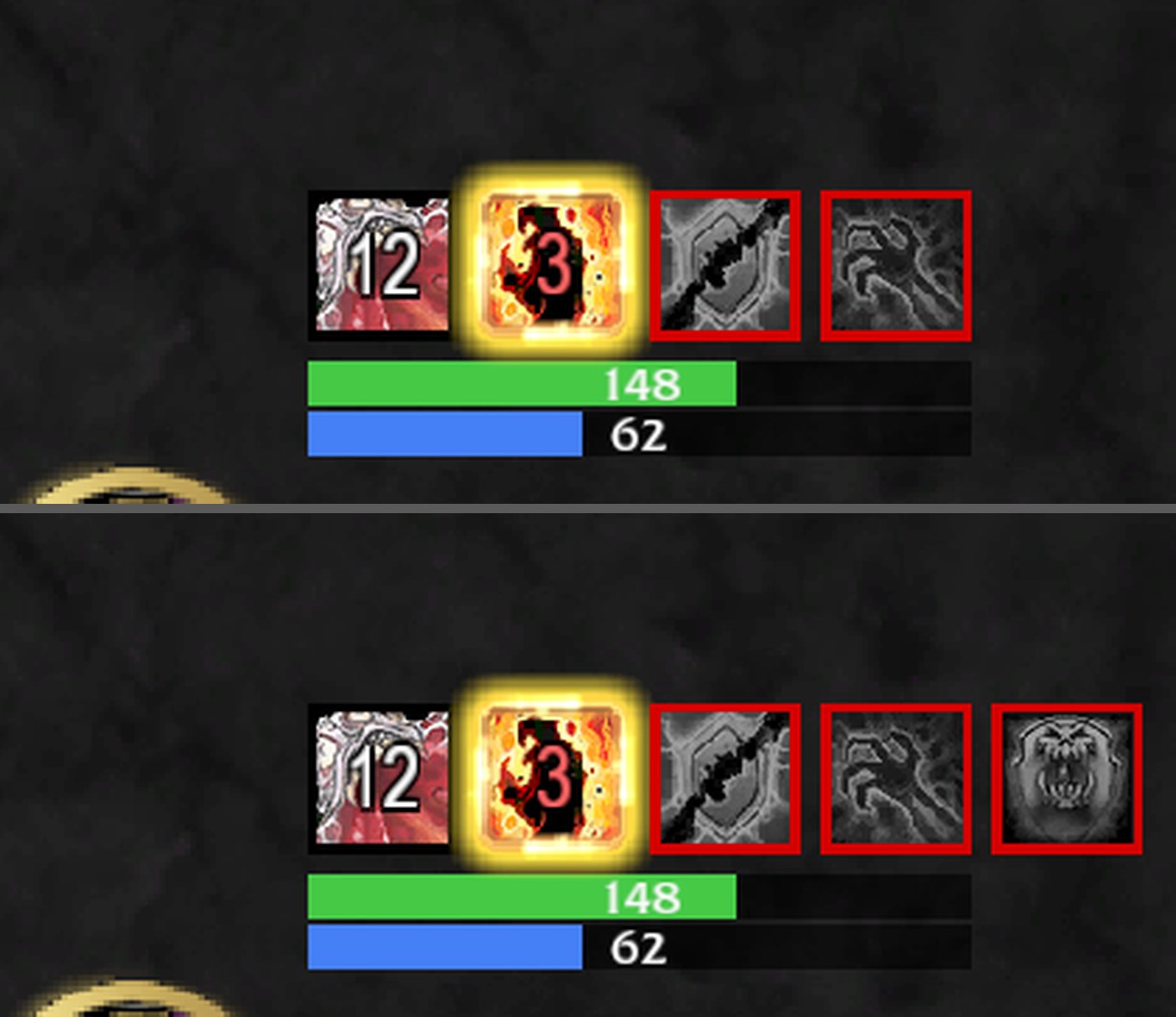
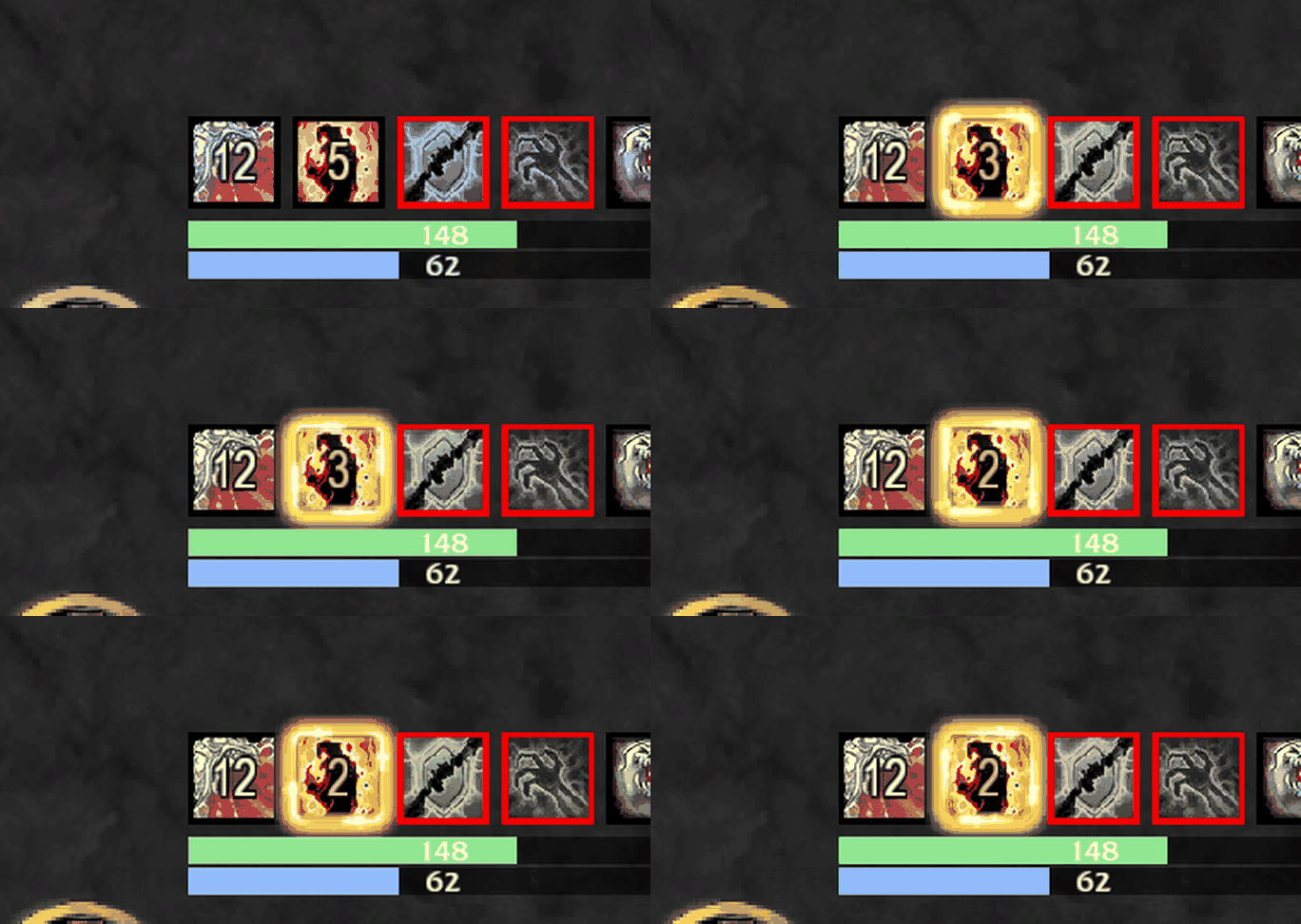
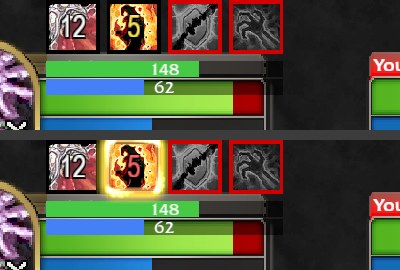
The spell's icon with the seconds left.
Missing
The icon in grey with a red frame, so a gap is seen at a glance.
Last seconds
The number turns red and the icon gets the action bar proc glow. 3 seconds by default; set it from 1 to 10 in the editor.
Pet bars
Health and mana of your pet under the row, with numbers.
Edited in game
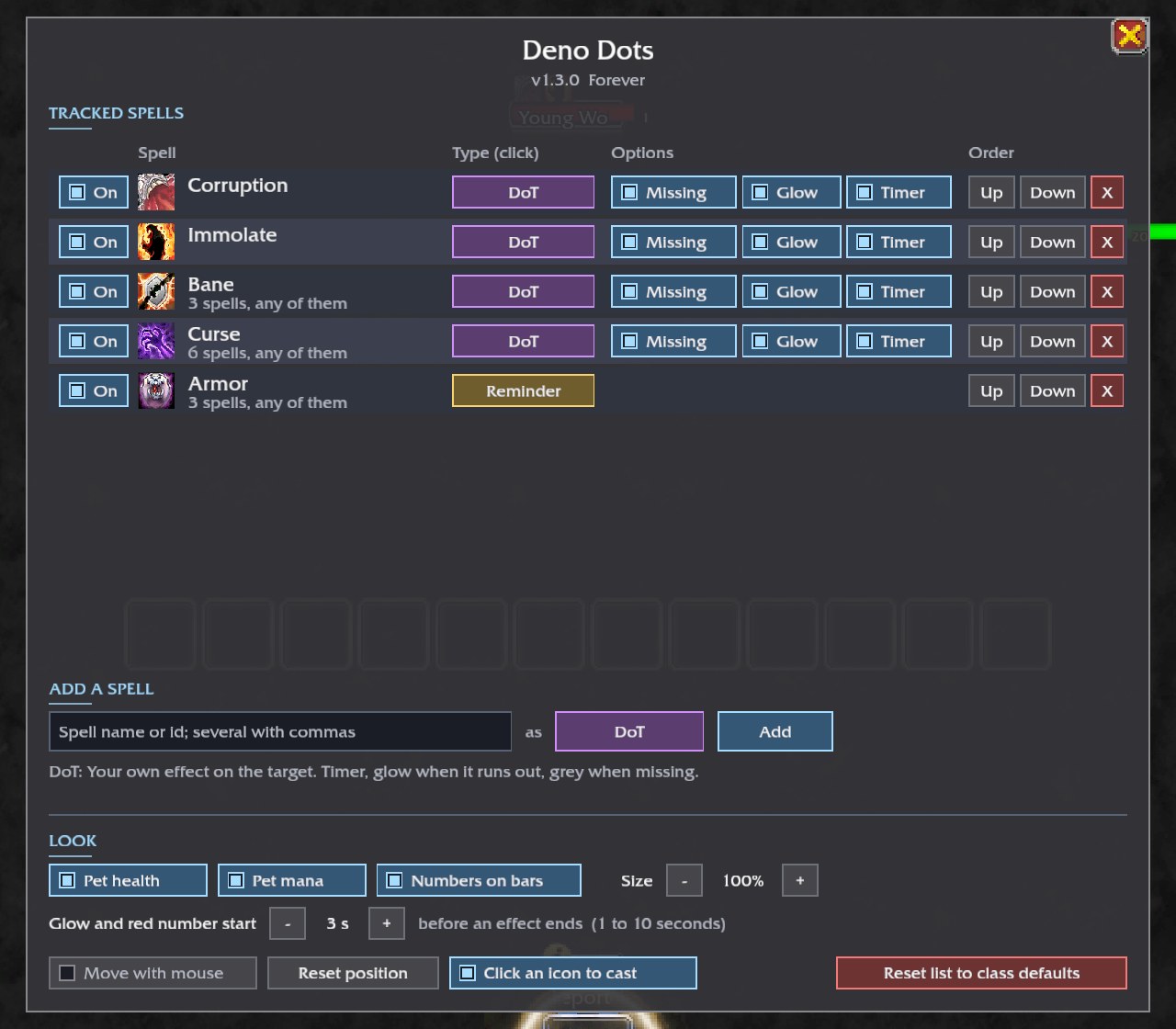
Add any spell by name or id as "on target" or "my buff", switch icons on and off, change their order, remove them. A name covers every rank of the spell. Several spells in one icon mean "any of these" (one bane, one curse, one armor).
Click to cast
A click on an icon casts its spell, also in combat. Handy for a buff that is missing.
Per class
Each class keeps its own list. Warlocks start with Corruption, Immolate, Bane, Curse and Armor; other classes start empty.
Pictures
Install
- Download the zip from the latest release, or install it from CurseForge.
- Extract the
DenoDotsfolder intoWorld of Warcraft\<Forever folder>\Interface\AddOns\. - Restart the game.